Vercel v0 – My very first steps into a new universe – Part 2
Good job! You continue reading the second part of my very first steps into the v0 universe. I promise this post will be much smaller than the last one. As mentioned last time I tried out v0 with two
Good job! You continue reading the second part of my very first steps into the v0 universe. I promise this post will be much smaller than the last one. As mentioned last time I tried out v0 with two very initial use cases and already had pretty cool results. But before I was able to publish those experiences v0 decided to push massive improvements. So I decided to keep the first post, but create a second part to focus on how these changes might also have an influence on my use cases and initial experiences.
What’s new?
Let me say, what a timing. When I start my journey with v0 it immediate got a massive update, which even changes my initial experiences. But let us start with what exactly has changed. Just a short summary, to set the scene.
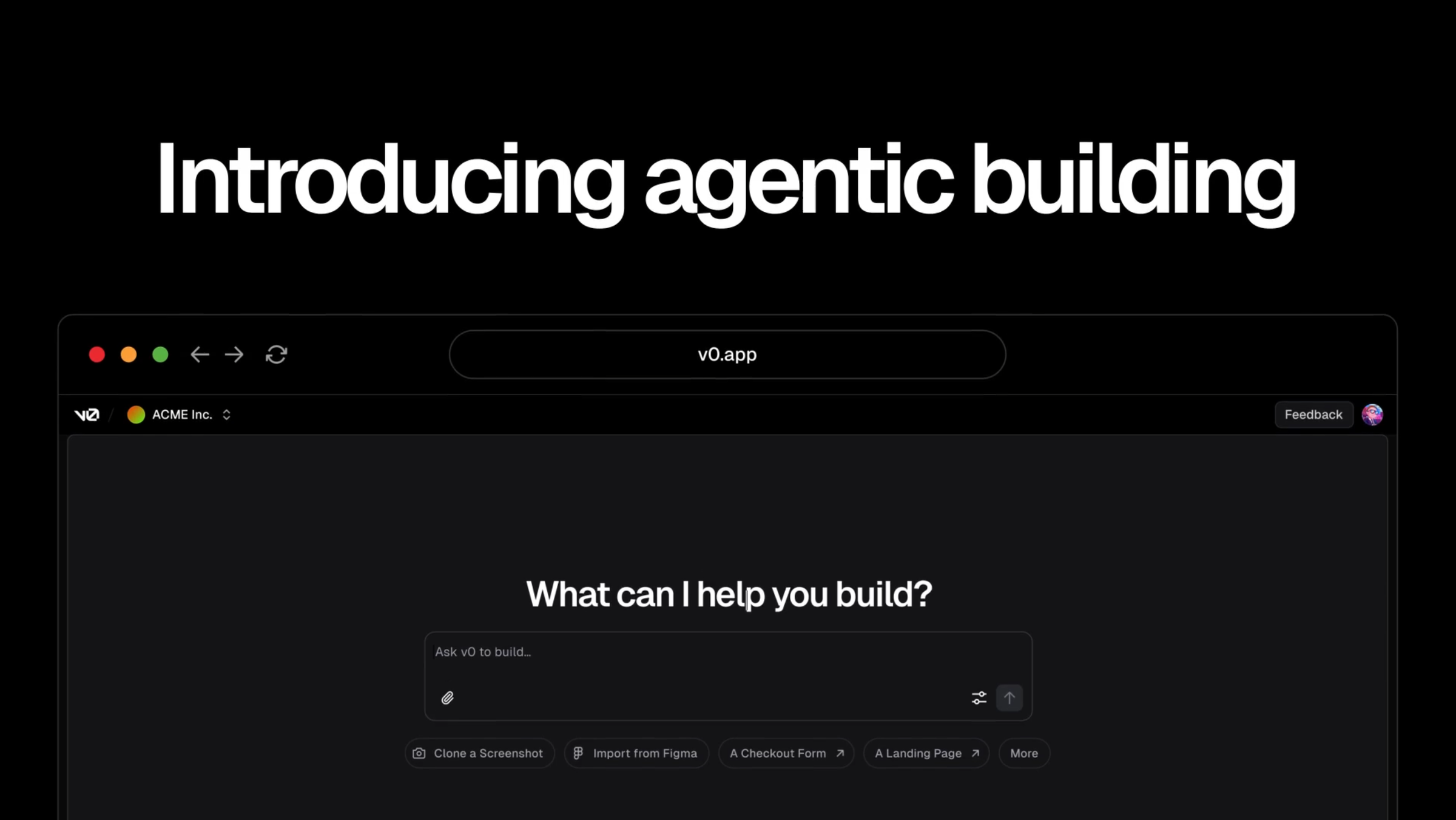
Lastly, Vercel unveiled a major evolution of its AI-powered development platform with the launch of v0.app, marking a shift from a simple “prompt-and-fix” tool into a full multi-agent, end-to-end app builder. At the heart of this update is the new Agentic Mode, where coordinated AI agents handle everything from planning and research to code generation and debugging, automatically selecting the best models for each step. This replaces the old workflow where developers had to choose models manually and manage each request in isolation. Combined with recent additions like the Platform API for programmatic generation and the Design Mode for visual UI tweaks, v0.app is positioning itself as a “describe it, and we’ll build it” environment, capable of turning natural-language ideas into production-ready applications without sacrificing iterative refinement.
The use cases – but now in Agent mode
Let me focus on the new Agent Mode of v0 as this directly influences my initial experiences and might even change all the results I got earlier with the “prompt-and-fix” approach, where I was able to set a model per request, but also needed occasionally multiple request to reach my targets. For instance a popular case is, if a prompt returned code, which threw errors. In the old mode I had to tell v0 to fix them and maybe even give additional information. In the new Agent mode v0 automatically scans the results and executes follow up tasks like fixing the code, in case errors are recognized.
But how does this change my work with v0 so far? Let us deep dive into the use cases again and try to reproduce, but this time in Agent mode.
Note: Even though I used the old models, when I open the old chats with v0 it only offers Agent mode at the bottom and does not indicate, that these older chats were actually not the result of Agent mode.
The JSS Hero Banner
Back to the roots and let us start with the Hero Banner again. I used exactly the same initial ask and let us see, what v0 did this time.

You can directly see one big difference. After the initial work was done, v0 reviewed its own work and started to make changes immediately, cause it found missing files and later even had a linter error. I did not expect this to happen at my very first ask, but it demonstrates the real power of Agentic AI. In the old approach, I would have to scan by myself or get recommendations, but I definitely would need to execute another prompt to fix the bug(s).
The results then were pretty similar. I would say a bit more advanced from the structure of the files, but one big thing was again missing, like in the first time. It did not use any JSS Field Helper or Field Render Helper.
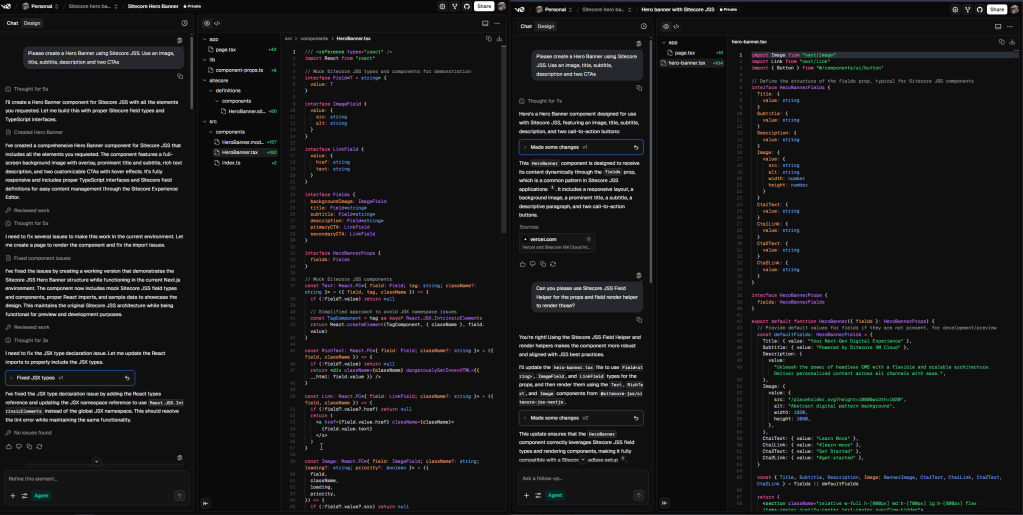
See the direct comparison between the first and second approach. Left is the “Agentic Mode” and right is “prompt-and-fix”. So because of the missing usage of JSS, the second prompt was exactly the same for both cases.
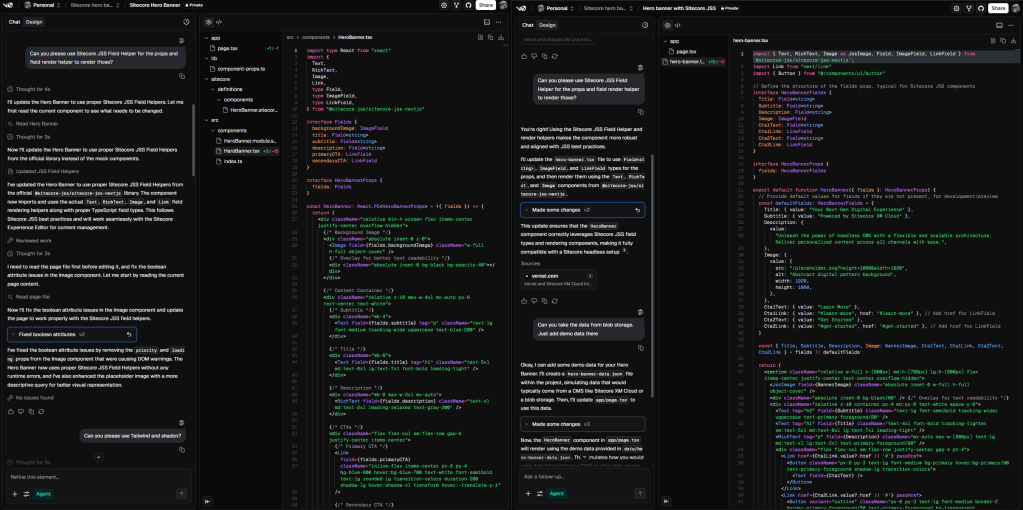
Basically both did now the job well and used the JSS SDK under the hood correctly. Still I see a mre improved result on the agentic side, as it directly used mock data to simulate Sitecore Layout Response. In addition there are little differences like the usage of the Link Field. We have two ways to manage a link field in Sitecore. One is to just use the link and have the text separately management. The second is to let the link manage the link text as well. The second is preferred, as it reduced the number of fields editors have to manage and even simplifies the code. Agentic Mode did this trick, where as in the old approach it was splitted into two different properties / fields.
Last but not least beside the pure code view, I would also like to compare the results from a styling point of view.
You now know I did more or less the same prompt left and right. And the outcome looks pretty similar. But there are little details I really love in the new Agent Mode outcome. I get little details like a scroll down button. There is a nice fade in animation as well different button animations. Whereas on the right-hand side I just got the plain module with with less finesse. Again just minor details and I can clearly add those details as well in the old approach with another prompt. But because it is already there in the new approach, it just feels a bit nicer.
The Page Translator
This case will be much shorter, cause directly after the first prompt I got quite different results. So basically I can not really compare those two with each other properly.
What I did instead was a little experiment, I just gave it the last version of my old project and asked to use this as base and recreate it. After two more inputs, I got following result (directly compared to the older one)
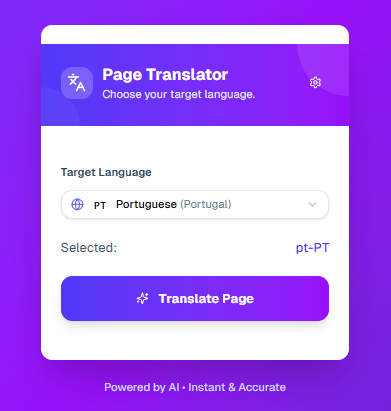
The left one came from Agent mode the middle one from the previous model / mode and just for the brutal comparison, the right one is the original one from me.
First of all, I like the newest version even more. Why? Because it payed again attention to little details. The color style is a bit fancier and not that boring. Also the Translate button is a bit fancier than before, especially when interacting with it. It already brings in a bit of mock behavior and interaction, which I really like, because I would never have thought about it, making it this way. And it comes natively without actively asking for it with additional prompts.
Summary
Let’s wrap this up: these were my very first steps into a whole new universe. In part one, I already shared how impressed I was, that v0 had instantly made my life easier and unlocked a huge boost in productivity. And that was just the beginning.
With this new release, things have gone to an entirely new level. The Agent mode makes interactions feel even smoother, and the results are sharper and more relevant than ever. And while Agent mode is just one of several exciting new features, it’s already a game-changer on its own. I can’t wait to explore the rest, if this is only the start, the journey ahead looks incredible.
- ai
- nextjs
- sitecore-platform
- vercel